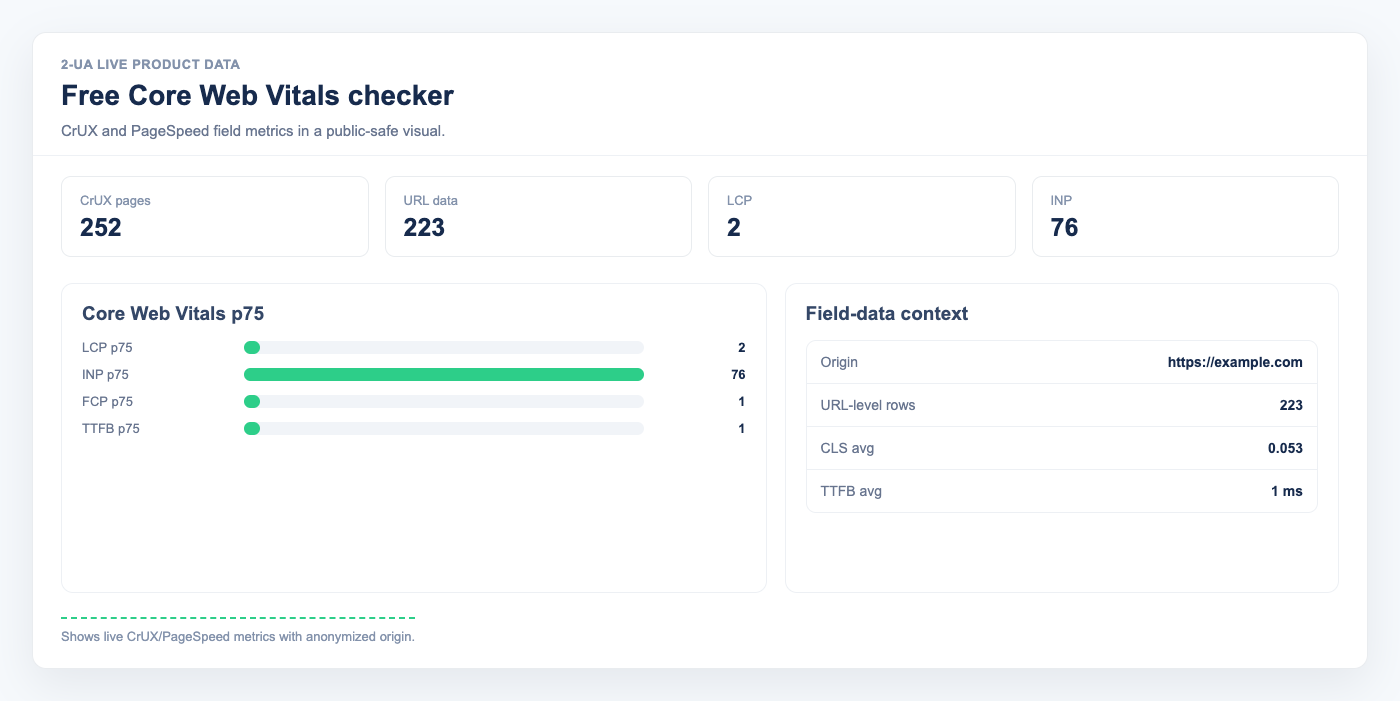
Core Web Vitals became a confirmed Google ranking factor in 2021. Since then, every SEO team has needed a reliable way to check them — without running a new Lighthouse test every time and getting a different score. The answer is field data: real measurements from real users, collected by Google itself.
Field data versus lab data: why the difference matters
Lighthouse runs your page in a controlled environment: one device, one network condition, no cached assets. The score varies by 10–20 points between runs. CrUX (Chrome User Experience Report) is different — it aggregates actual Chrome browser sessions over a rolling 28-day window from real visitors across all device types and connection speeds.
When Google evaluates your Page Experience signal, it uses CrUX — not Lighthouse. A page that scores 92 in PageSpeed Insights can still show "Needs Improvement" in Google Search Console if real users on mobile 4G experience high LCP. Our checker uses the CrUX API directly, so you see the same data Google uses.
The three Core Web Vitals Google measures
- LCP (Largest Contentful Paint) — loading performance. Measures how long the largest visible element takes to render. Good: ≤ 2.5s. Poor: > 4s. Usually caused by slow servers, unoptimised hero images, or render-blocking scripts.
- CLS (Cumulative Layout Shift) — visual stability. Measures how much the page layout moves while loading. Good: ≤ 0.1. Poor: > 0.25. Usually caused by images without dimensions or late-loading fonts.
- INP (Interaction to Next Paint) — responsiveness. Measures the delay between user input and the next visual update. Replaced FID in March 2024. Good: ≤ 200ms. Poor: > 500ms. Usually caused by heavy JavaScript on the main thread.
URL-level versus origin-level data
CrUX only includes a URL in its dataset if it receives enough real Chrome sessions to meet a privacy threshold (roughly a few thousand sessions per 28 days). Low-traffic pages — even on high-traffic domains — often lack URL-level data. In that case, our checker automatically falls back to origin-level data, which reflects your entire domain. The tool labels which level is being shown so you always know what you are looking at.
From single check to daily trend monitoring
A one-off CrUX check tells you where you stand today. The harder problem is tracking how Core Web Vitals change over time: after a deploy, after a CDN change, after adding a new tracking script. 2-UA imports CrUX data daily for every tracked URL and overlays it with content-change events — so you can see exactly when a deploy made LCP worse, or when removing an analytics script improved INP.
Check your Core Web Vitals now with the free checker, then set up daily monitoring to track the trend.