2-UA help center

How to delete a crawl

How to delete a crawl

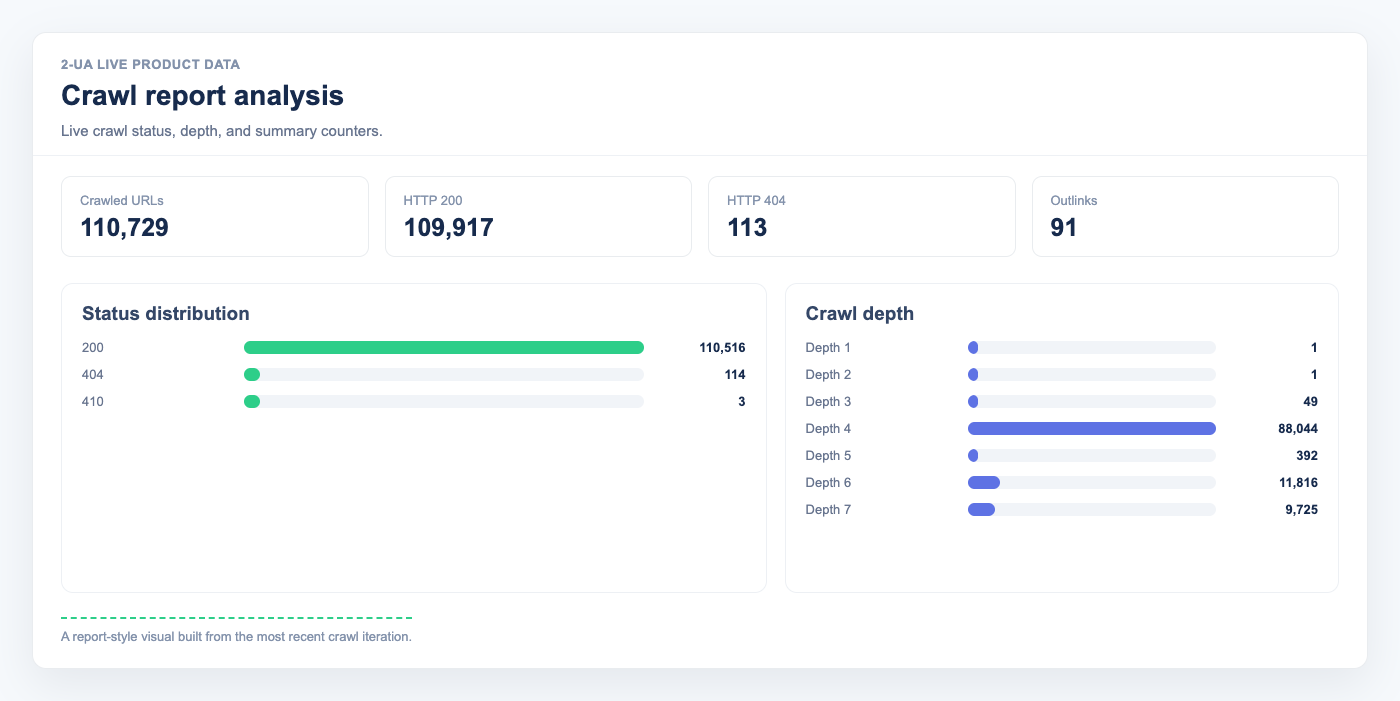
Crawl report visual used to explain crawl lifecycle and deletion context
Latest crawl report data used as a lifecycle example.
  1. Go to the 'Crawls' page from the main page of your website.
  2. Click "Edit" next to the desired crawl job.
  3. In the top-right corner, click "Delete crawl job".
    Note: All crawl data, outbound links data, and text analysis data will be permanently deleted.
Still need help?

Ask us about this workflow

Send the page or report you are working with and describe where you are stuck.

Current month ye@r day *
Turn guidance into monitoring

Check the important signals on your own website

Start with a free technical check, then keep the pages that matter under continuous watch.

Run a free crawl