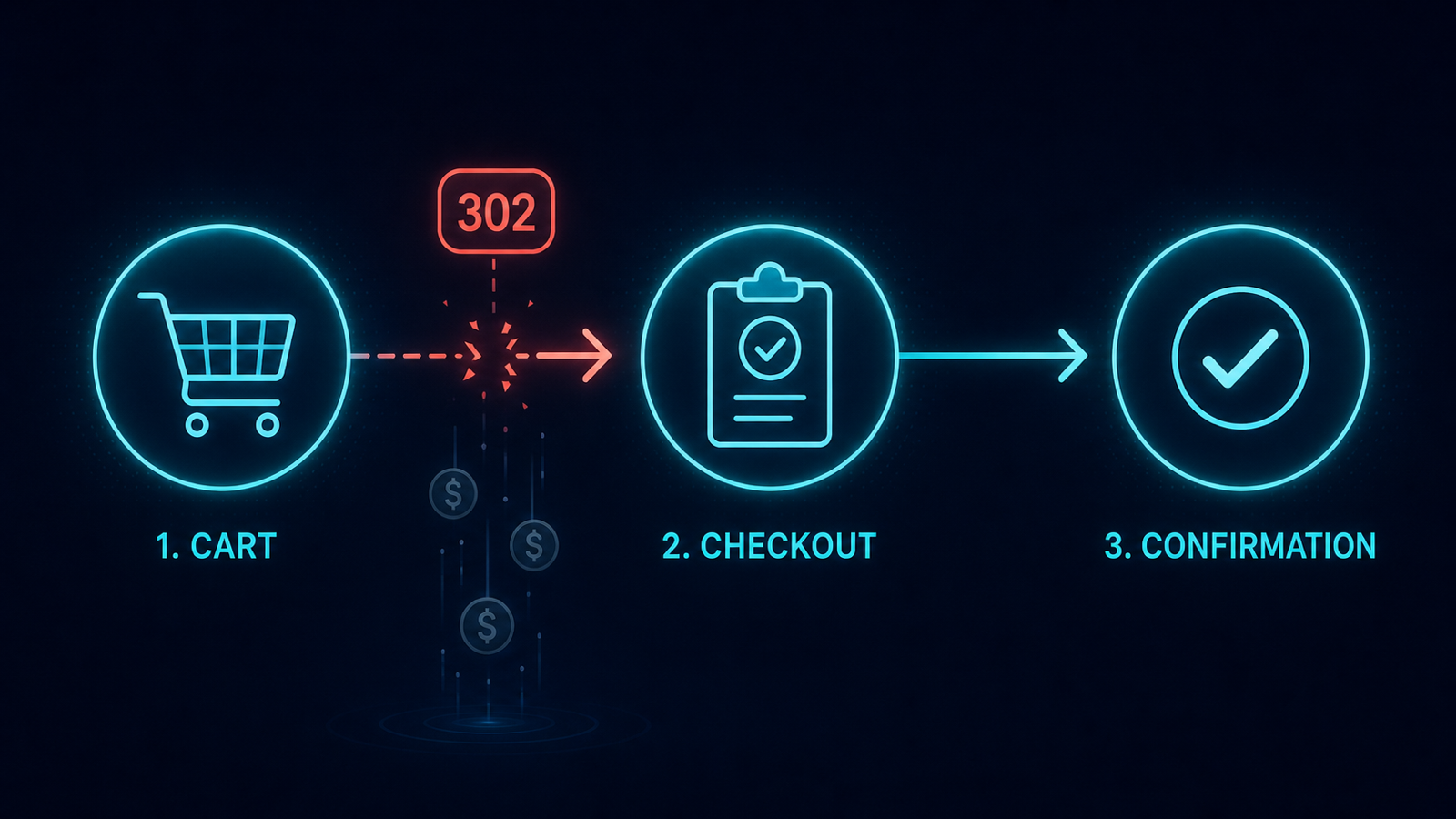
The checkout funnel is the most expensive set of URLs on your site.
A stray 302 inserted between /cart and /checkout by a deploy can drop conversion 30–50% within a single business day,
and no general SEO crawl catches it before revenue does.
This article is the dedicated tracked-URL setup that monitors a checkout funnel as a unit.
The exact failure modes you are watching for
/cartstarts returning 200 but with an empty body (a render regression after a frontend refactor)./checkout302-redirects to/cartin a loop because a session-handling middleware is misconfigured./checkout/paymentreturns 200 but the canonical now points to/cart, which Google later deindexes./order/confirmationresponse time degrades from 300ms to 4s under load, dropping completion rate even when status code stays 200.
2-UA setup, exact configuration
- In Tracked URLs, add each funnel step as its own tracked URL.
- For each: Expected status 200, Expected redirect: none, Field tracking: canonical and robots meta.
- Enable Response time monitoring on each URL, both desktop and mobile, every 10 minutes.
- Group these URLs under a tag like
checkout-funnel. The tag-level weekly digest gives you one health summary for the whole funnel. - Tighten the response-time alert: p95 over 800ms triggers Slack
@here. Checkout is not a place for quiet thresholds.
The signal you wait for
Three signals warrant immediate action, not a morning review:
- Any tracked URL in the
checkout-funneltag flips from 200 to anything else. - The canonical or robots meta on any funnel URL changes value — even cosmetically.
- Response time on the payment step exceeds the alert threshold for two consecutive checks (a single spike can be a CDN cold-cache; two in a row is a regression).
Five-minute response playbook
- Open the 2-UA snapshot diff for the affected URL.
- Correlate with your deploy log: which release shipped immediately before the alert?
- If the change traces to a deploy, revert that release rather than try to patch forward. The cost of a 1-hour funnel outage is higher than the cost of a revert.
- Re-check the funnel from a fresh session and a fresh IP. Reproducing in production with a clean cart confirms the fix.
- Post the incident timeline (alert time, diagnosis time, deploy revert time, recovery confirmation time) to your engineering channel. Treat checkout regressions as P1 by default.
Three setups that hide funnel regressions from generic monitoring
- A/B test framework wrapping checkout — half the traffic sees the new (broken) variant; aggregate dashboards average it out.
- Geo-restricted checkout (EU vs US) — your monitoring runs from one region, the regression hits the other.
- Authenticated-only routes — generic crawlers see 302 to login and assume that is the canonical behavior; configure tracked URLs with the correct session cookie for production-realistic checks.
Add your funnel pages to a project's tracked URL set today, tag them checkout-funnel,
and route the tag-level digest to a dedicated revenue-protection channel.