How to monitor a competitor pricing page for changes

Monitoring Commercial BOFU 6 min
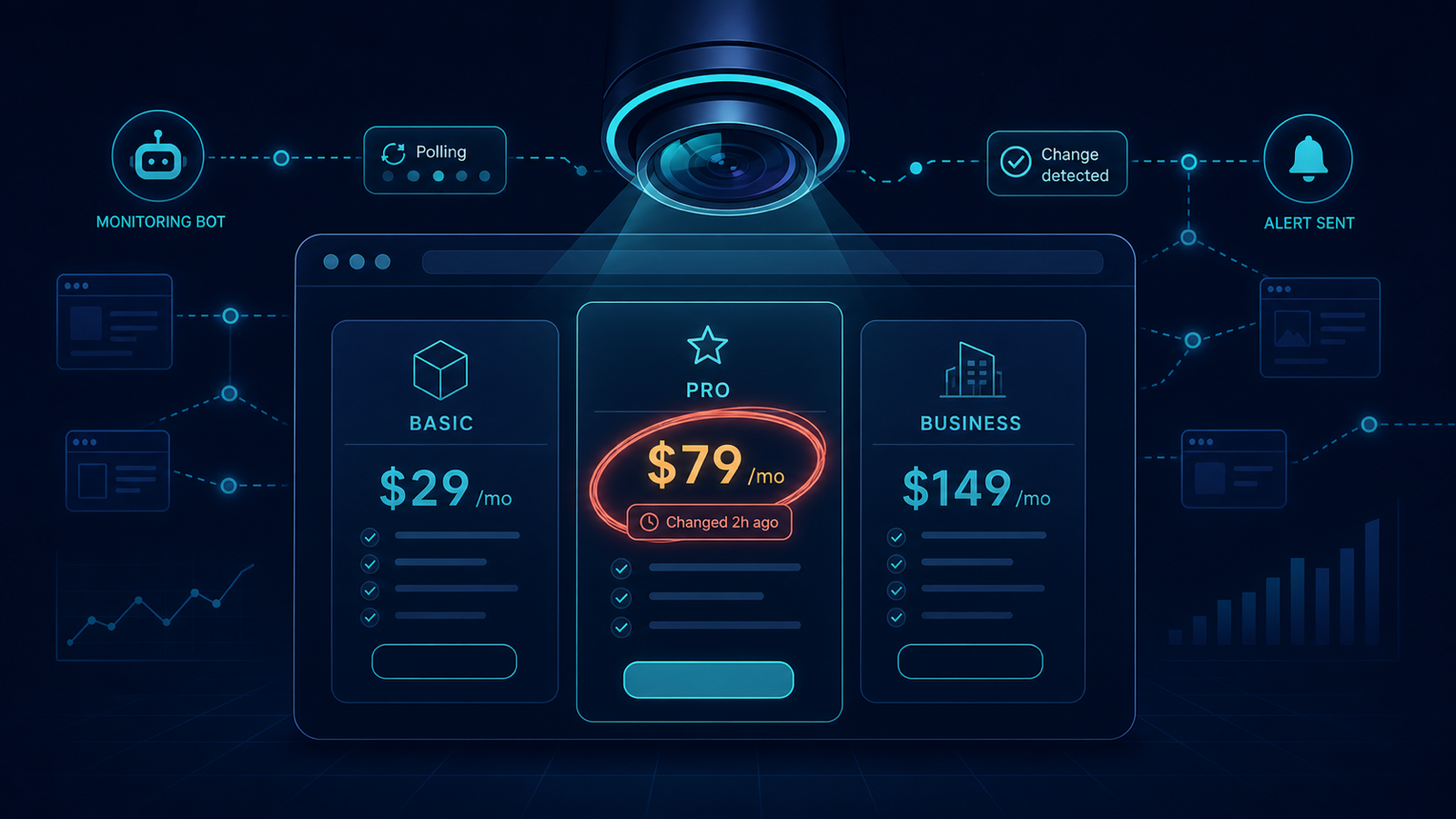
Stylized surveillance lens watching a competitor pricing page, with one plan price highlighted as recently changed
Snapshot diff every 15 minutes — the row that changed is highlighted the moment it changes.

A B2B SaaS competitor quietly changes pricing every quarter. Sales finds out two weeks later through a lost-deal review. For the entire window, your quotes assume the old anchor and your battle cards lie. A 15-minute snapshot diff would have closed that gap to the same business day. This article is the exact setup that does it.

What this monitoring catches

  • Headline price changes ($79 → $89).
  • Plan rename or tier collapse (three tiers → two).
  • Annual-discount changes (20% → 15%).
  • Feature movement between tiers (a feature dropping from "Pro" to "Enterprise" is also a price change in disguise).
  • New tier inserted between existing ones (the most strategic move and the easiest to miss).

2-UA setup, end to end

  1. Open Site → Competitors → Add Competitor.
  2. Enter the competitor domain. Add the pricing URL as the first tracked page; product comparison and case-study pages can follow.
  3. Confirm Snapshot interval: 15 min (the default). This is short enough to catch deploys, long enough to avoid bot-rate triggers.
  4. Enable Content diff on the page — 2-UA stores text and structured content, not just HTML, so price tokens stay greppable across redesigns.
  5. Route alerts to a dedicated Slack channel shared by sales, marketing, and product (e.g. #competitor-watch). Do not use your generic monitoring channel — pricing alerts have a different audience.

The alert you wait for

On every change, 2-UA posts a side-by-side diff with the old and new snapshot. For a pricing page, you typically see one of three patterns:

  • Pure number change — the easiest case; old price strikes through, new price highlighted.
  • Structural change with prices unchanged — a copy rewrite, often the start of repositioning before a price move.
  • Same prices, new currency split or per-seat model — the most strategic change; same dollar number masks a different unit-economics story.

Ten-minute response playbook

  1. Open the diff in 2-UA, copy the before/after to a shared doc.
  2. Update the battle card with the new anchor and at least one talking point on why your packaging answers it.
  3. Ping the AE on every active deal where this competitor was a finalist.
  4. If the change moves a feature between tiers, check whether your feature gating now looks weaker; queue a packaging review.
  5. Archive the snapshot. The history view becomes your evidence trail for "they changed pricing three times in 8 months" pitches.

Three patterns that hide a pricing change from manual reviews

  • A/B test rendering different prices per user — without snapshots over time, you see "their pricing" the day you happen to look.
  • JavaScript-injected prices — pricing pulled from a config endpoint and rendered client-side; a one-shot crawler that ignores JS misses every change.
  • Geo-redirected price pages — your office IP sees one price, the buyer's geo sees another; the competitor snapshot from a neutral location surfaces the gap.

Try a one-shot run with the free competitor watch on the competitor's pricing URL, then add the page to a project for continuous 15-minute snapshots.

Stop losing SEO performance to silent changes

If this workflow matches your current SEO bottleneck, do not postpone implementation. Teams usually lose the most traffic between detection and action, not between action and resolution. Start monitoring today and create your first baseline in under an hour.

Execution blueprint for monitor competitor pricing page

Long-form SEO implementation fails when teams try to “fix everything” at once. The sustainable approach is to define a narrow execution lane, prove measurable movement, and scale based on validated impact. For monitoring workflows, this usually means setting explicit ownership, reporting cadence, and escalation thresholds.

A useful way to operationalize this is to split work into three layers: detection, validation, and rollout. Detection finds anomalies quickly. Validation confirms whether the anomaly is material or incidental. Rollout converts validated findings into engineering and content tasks with deadlines. If one layer is missing, the process becomes either noisy or slow.

90-day rollout plan

Days 1-14: baseline and instrumentation

  • Define the monitored scope: templates, critical URLs, and ownership groups.
  • Set expected behavior for status codes, redirects, and indexation-relevant rules.
  • Enable alerts in your team channel and set an initial noise-control policy.
  • Run the first full crawl and preserve it as a technical baseline snapshot.
  • Document the current known issues so future alerts can be triaged faster.

Days 15-45: controlled improvement

  • Move from URL-level fixes to issue-family fixes (template/system level).
  • Review trends weekly for response time, quality checks, and crawl findings.
  • Introduce tag-based segmentation if your team supports multiple page clusters.
  • Track fix validation in re-crawls and keep a short evidence log for each change.
  • Escalate only high-impact regressions to engineering to avoid context switching overload.

Days 46-90: scale and commercialization

  • Standardize recurring reports for stakeholders and client-facing communication.
  • Harden your alert policy with quieter thresholds and clear severity levels.
  • Expand monitoring from critical templates to full coverage where justified.
  • Turn recurring findings into preventive engineering tasks, not one-off tickets.
  • Connect technical trend movement to revenue-adjacent metrics for executive buy-in.

Measurement model: what to track weekly

You should define a compact KPI stack that reflects both technical quality and operational speed. Over-measuring creates reporting overhead and weakens decision quality. A practical KPI model for this topic includes:

  • Detection speed: time from change occurrence to first alert.
  • Triage speed: time from alert to issue classification and owner assignment.
  • Resolution speed: time from assignment to verified fix.
  • Regression rate: how often a fixed issue class returns within 30 days.
  • Coverage quality: share of critical pages included in active monitoring.
  • Business relevance: proportion of high-impact issues in total issue volume.

For mature teams, the strongest KPI is not total issue count but high-impact issue recurrence. When recurrence falls, process quality is improving.

Stakeholder alignment framework

Technical SEO execution usually fails at the handoff boundary. SEO specialists detect issues, but engineering sees isolated tasks without business context. Fix this by sending implementation-ready summaries:

  • What changed (objective signal, not interpretation).
  • Where it changed (template, segment, or specific URL class).
  • Why it matters (indexation, visibility, trust, conversion risk).
  • What to do next (single recommended action with acceptance criteria).
  • How to verify (which re-check confirms the fix).

If your company runs weekly planning, summarize this in one page before sprint grooming. If you run continuous delivery, post a compact incident card into Slack or ticketing with direct links.

Common failure patterns and how to avoid them

  • Too much scope: teams monitor everything and fix nothing. Start with critical assets.
  • No baseline: every alert feels urgent without a reference snapshot.
  • Tool-only mindset: dashboards do not create outcomes without process ownership.
  • One-channel reporting: executives and implementers need different output layers.
  • No post-fix validation: “done” without re-check creates hidden regressions.

Operational checklist you can reuse

  1. Confirm scope and ownership for monitored entities.
  2. Establish expected behavior and escalation policy.
  3. Launch baseline checks and preserve initial state.
  4. Run weekly issue-family review with implementation owners.
  5. Validate completed fixes with scheduled re-checks.
  6. Report only high-signal movements to leadership.
  7. Iterate thresholds every 2-4 weeks based on false-positive rate.

Commercial impact: turning technical work into revenue protection

Teams buy monitoring platforms when they can prove one thing: technical signals reduce preventable loss and shorten recovery time. In practice, you can demonstrate this by documenting incidents prevented, recovery cycles reduced, and implementation throughput improved.

This is where aggressive execution beats passive auditing: instead of producing occasional reports, you build an operating system for technical SEO quality. Once that system is in place, scaling to more URLs, more sites, and more stakeholders becomes predictable.

Advanced FAQ for monitor competitor pricing page

How much historical data is enough for reliable decisions?

For most SEO teams, 4 to 8 weeks of consistent monitoring is enough to separate random fluctuation from structural movement. If your release velocity is high, use shorter review cycles but keep a rolling 8-week reference window. The key is consistency: gaps in monitoring reduce interpretability more than imperfect metrics.

Should we optimize for issue count reduction or impact reduction?

Always optimize for impact reduction. Lower issue count can be misleading if high-severity classes remain unresolved. In mature workflows, teams track high-impact recurrence, time-to-resolution, and incident spread by template class.

What is the best cadence for reporting this topic to leadership?

Weekly operational review plus a monthly executive summary works best. Weekly reports should focus on changes, actions, and blockers. Monthly reports should focus on trend direction, prevented incidents, and business-risk reduction. This two-layer model avoids both over-reporting and under-reporting.

How do we keep collaboration smooth with engineering teams?

Convert every finding into an implementation-ready task: define affected scope, expected behavior, acceptance criteria, and verification method. Engineering teams respond faster when tasks are deterministic. Avoid sending raw issue exports without business context.

When should we escalate from soft monitoring to stricter controls?

Escalate when any of the following is true: critical template regressions appear repeatedly, recovery time is increasing, or ownership is unclear across incidents. At that point, tighten alert policy, enforce scope ownership, and add stricter verification gates after releases.

How do we evaluate ROI for this workflow?

ROI appears in three layers: lower incident duration, fewer recurring regressions, and improved implementation confidence across teams. For stakeholder communication, quantify prevented loss events and reduced recovery effort rather than raw technical counts. This framing translates technical monitoring into business language that supports budget decisions.

Primary keyword
monitor competitor pricing page
Next step

Use the workflow from this article in your own project and validate results with monitoring data.


Related articles