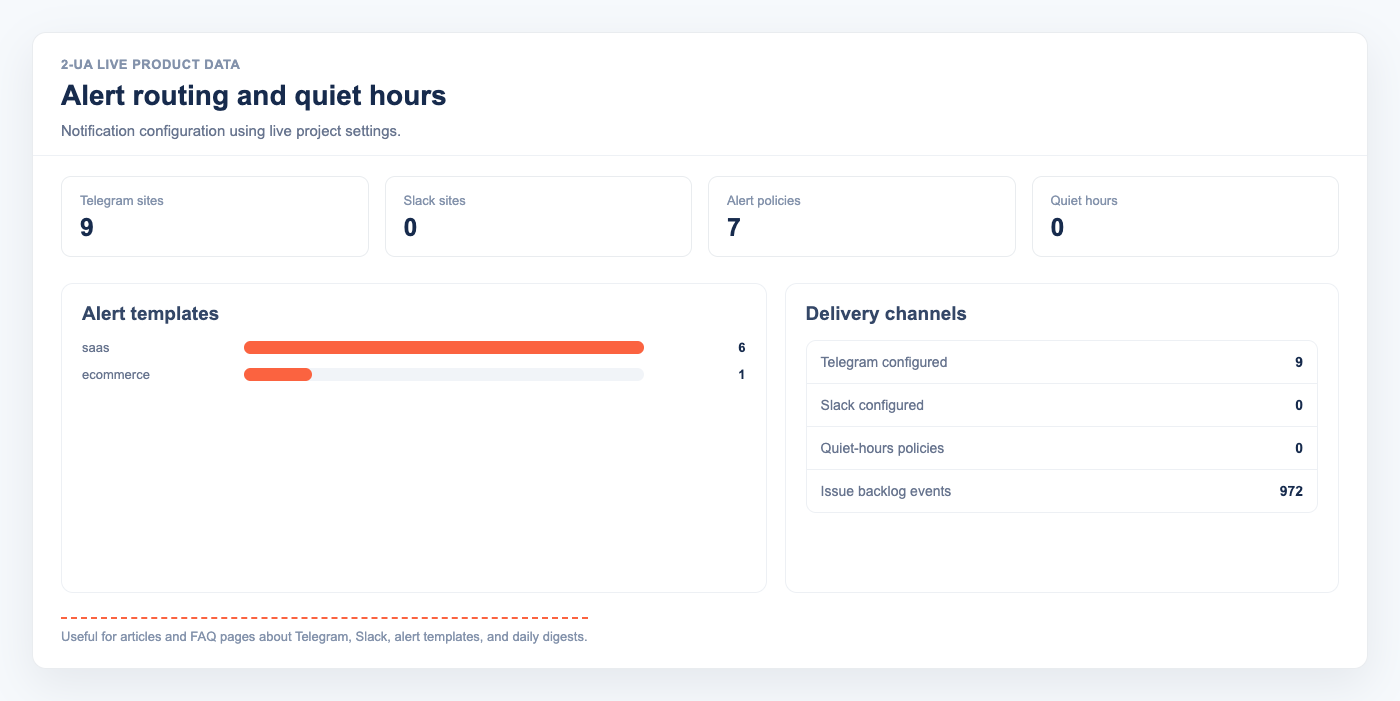
SEO monitoring fails when alerts are too slow or too noisy. The practical goal is simple: send fewer alerts, but make each one actionable.
Where alerts create the most value
- Critical page status changes (200 to 404/500, or wrong redirect behavior).
- Unexpected robots.txt updates that affect crawlability.
- Infrastructure shifts (SSL validity, domain expiry proximity, DNSBL flags).
- Major movement in response time or performance trends.
Telegram vs Slack for SEO operations
- Telegram: best for fast owner/operator visibility and compact notifications.
- Slack: best for cross-functional triage with dev, product, and content teams.
- Both: ideal when you need instant visibility plus threaded collaboration.
How to avoid alert fatigue
- Use alert presets by risk level.
- Enable quiet hours for non-critical events.
- Group pages by tags so digest-style updates are organized by business area.
- Keep immediate alerts for revenue pages and indexation blockers only.
If your team currently ignores alerts, this is usually a policy problem, not a channel problem. Start with a low-noise policy first, then route into Telegram and Slack. The setup details are documented in the FAQ.