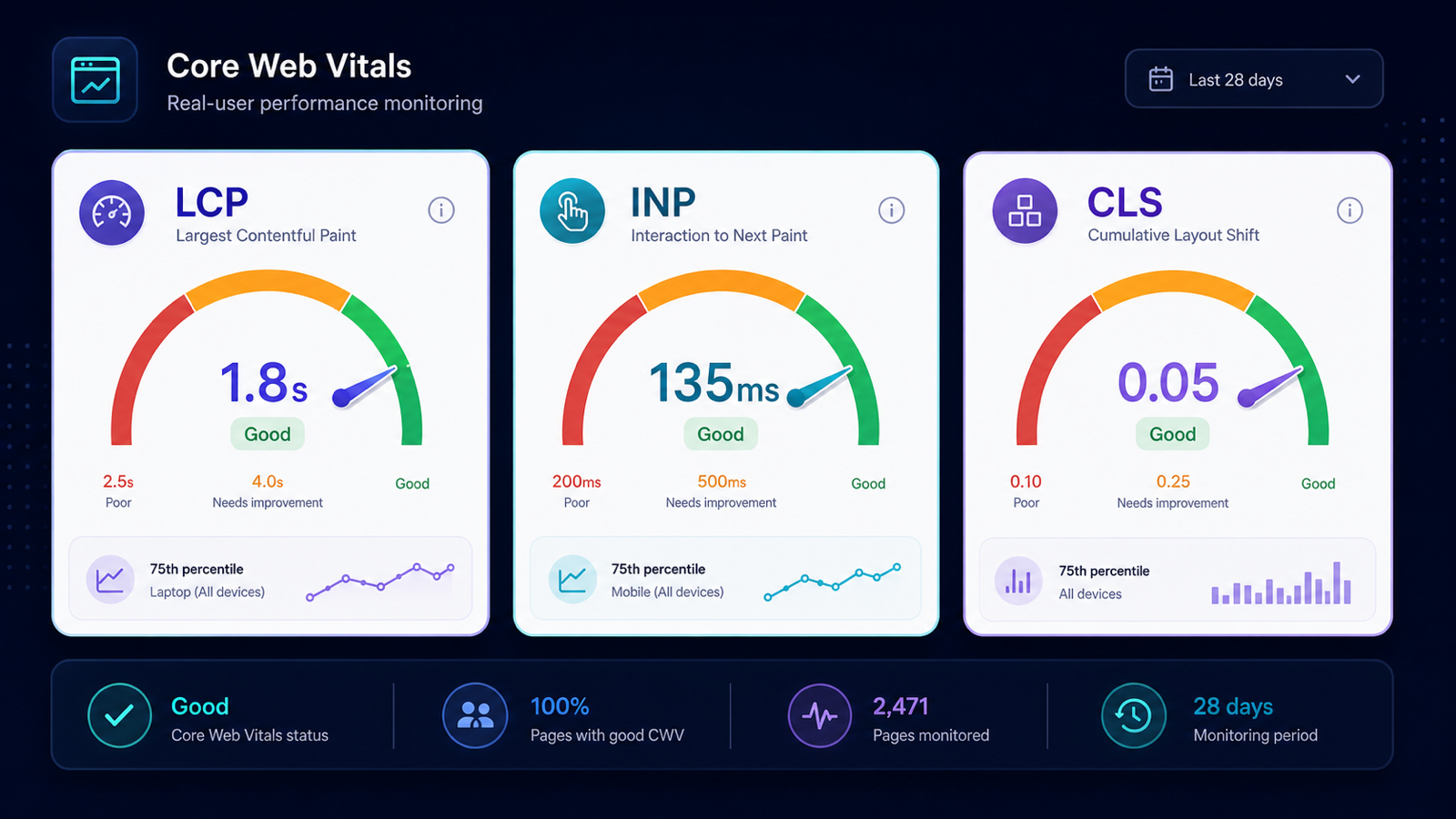
Core Web Vitals are a ranking factor on close-margin SERPs. INP replaced FID in 2024, and most sites still have not measured their INP — they are still optimizing for an outdated metric. Field data (CrUX) matters more than lab data; you need both, prioritized by real-user impact.
Step 1. Pull CrUX field data
Site → Core Web Vitals (CrUX) queries Google's Chrome User Experience Report for your top URLs. You get real-world p75 percentile data for LCP, INP, and CLS — no synthetic guessing. This is the data Google itself uses for the Page Experience signal.
Step 2. Pull PageSpeed lab data
Site → PageSpeed runs Lighthouse against the same URLs. Lab data shows you why — render-blocking JavaScript, large LCP images, long tasks blocking interactivity. Lab data without field data is misleading; field data without lab data is unactionable.
Step 3. Prioritize by traffic times failure rate
Cross-reference with GSC impressions.
A page with 50,000 impressions and a "poor" CLS rating is your number-one fix.
A page with 500 impressions and a "needs improvement" LCP is a footnote.
Sort the list by impressions * (1 - good_score) for a defensible priority order.
Step 4. Track regressions
Add your top twenty commercial pages to Tracked URLs → PageSpeed monitoring. The next CMS release that ships a hero-image regression will fire an alert before users feel the slowdown.
Three patterns that produce CWV regressions
- Optimizing for Lighthouse, ignoring CrUX — lab scores at 100 with real-user p75 LCP at 4.5 seconds is common.
- Mobile data missing from the audit — many teams measure desktop only; mobile-first indexing means mobile CrUX wins.
- Lazy-loading the LCP image — the single most-frequent self-inflicted LCP regression.
INP: the metric most teams have not measured yet
INP (Interaction to Next Paint) replaced FID in March 2024. It measures the longest interaction delay a user encounters, not just the first. Pages that scored well on FID often fail INP because long tasks queued mid-session were previously invisible. Sort your CrUX data by INP first; the worst offenders are usually pages with heavy third-party JavaScript loading after first paint.
Use the free Core Web Vitals checker to test one URL, or run continuous site-wide CrUX and PageSpeed monitoring inside a project.