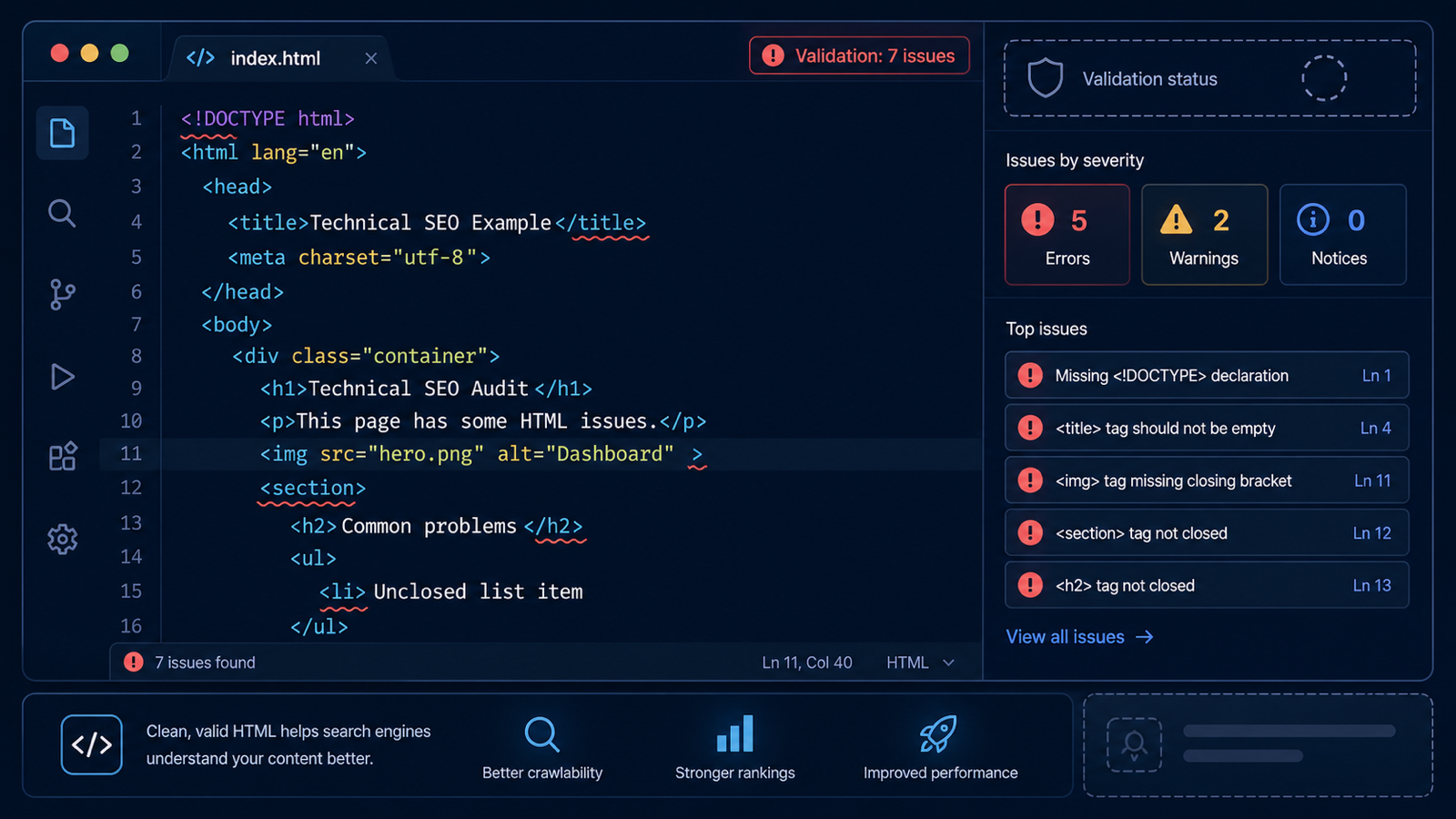
HTML validation is not a direct ranking factor. But invalid HTML causes downstream issues that are: broken structured data parsing, unrenderable content, accessibility failures, JavaScript engine quirks. Treating W3C as "nice to have" is how schema markup silently breaks across an entire site.
Step 1. Run site-wide W3C validation
Site → W3C validates every parsed page. Results are categorized into errors that block parsing and warnings that flag style or best-practice issues. The same validator Google uses internally for rendering surfaces almost identical signal.
Step 2. Prioritize errors that actually matter
Not all W3C errors are equal. Top priorities first:
- Unclosed tags affecting structured data —
<script type="application/ld+json">inside an unclosed block stops Google from parsing schema. - Duplicate IDs — break ARIA, anchor links, and JavaScript queries.
- Invalid attributes on
<a>and<form>— block accessibility tools and sometimes Googlebot parsing. <iframe>missing title — accessibility regression.
Deprioritize stylistic warnings (trailing slashes on void elements) and vendor-specific attributes from analytics tools.
Step 3. Group errors by template
Most errors repeat across hundreds of pages because they live in shared templates (header, footer, product card). Fix once, fix everywhere. The 2-UA W3C report groups errors by error type and shows template-level affected URL counts, so engineering can ship one template patch instead of 1,000 individual fixes.
Step 4. Track progress over time
Site → W3C Daily charts the error count over time. Reasonable target: zero critical errors site-wide, fewer than five warnings per page. Lock the trend with a weekly review; if it climbs, a recent release introduced a regression that needs fixing before it cascades.
Common over-investment traps
- Drowning in trivial errors — fix the top five error types first; ignore the long tail.
- Validator complaining about CMS-injected attributes — usually harmless; deprioritize unless they break a specific feature.
- Treating W3C as a rank metric — it is not; it is a hygiene metric that prevents secondary problems.
Why this matters for schema.org and rich results
Google's structured-data parser is built on a relaxed HTML5 parser that still fails on certain HTML errors — unclosed script blocks, malformed JSON-LD wrappers, duplicate IDs interfering with microdata anchors. Fixing W3C errors often eliminates schema parsing failures you were chasing separately, so the two audits converge on the same set of template-level fixes.
Site-wide W3C validation is built into every 2-UA project. Start with the free SEO page audit for a single-page run.