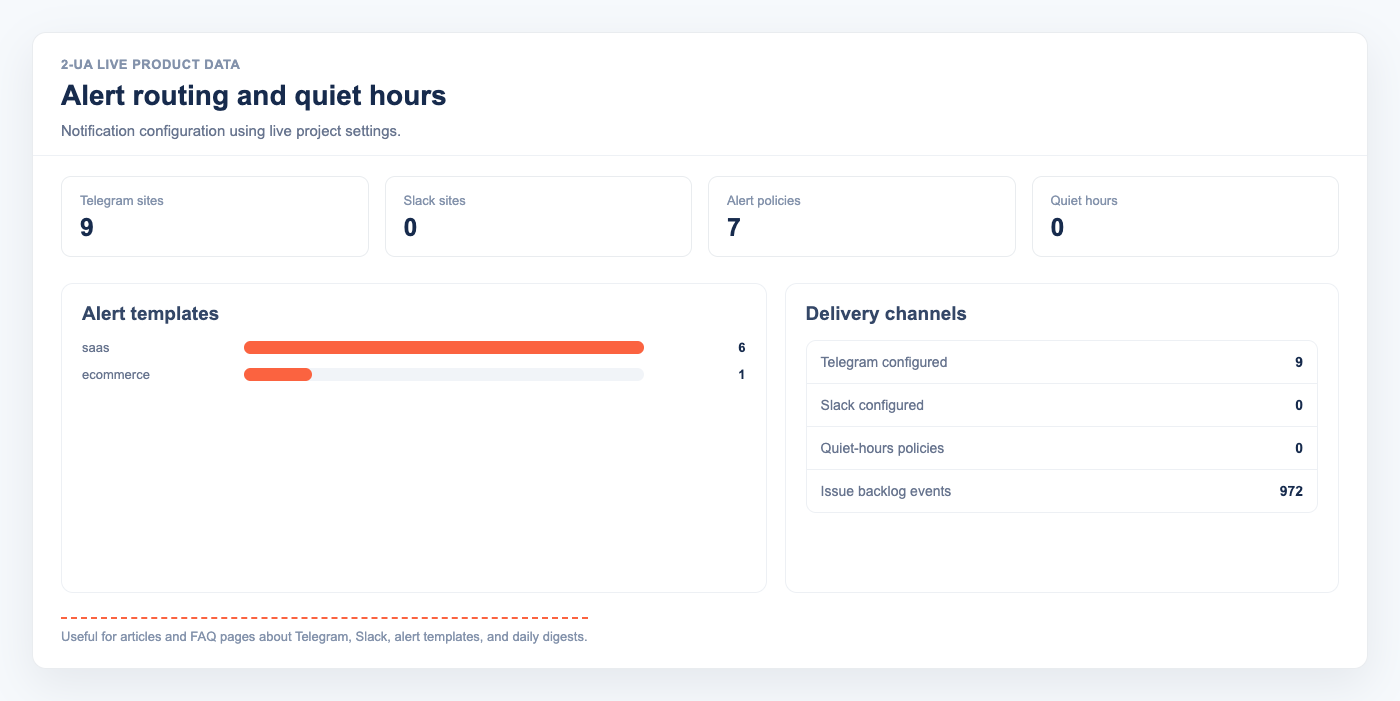
An alert policy controls which notifications a website can send and when they can be delivered. It does not enable checks, change monitoring frequency, or stop data collection.
Choose a preset
Open your projects, open a website, click the settings icon, and scroll to “Alert policy”.
| Alert type | E-commerce | Blog / content | SaaS / product | Custom |
|---|---|---|---|---|
| Page content changes | Included | Included | Excluded | Your choice |
| Broken links and HTTP problems | Included | Included | Included | Your choice |
| robots.txt changes | Included | Included | Included | Your choice |
| SSL and protocol problems | Included | Included | Included | Your choice |
| Domain and nameserver changes | Included | Included | Included | Your choice |
| DNS blacklist changes | Included | Excluded | Included | Your choice |
| Check and crawl summaries | Included | Included | Included | Your choice |
| Scheduled monitoring digests | Included | Included | Included | Your choice |
| Issue-group alerts | Included | Included | Included | Your choice |
| Keyword rank changes | Included | Included | Included | Your choice |
| AI visibility changes | Included | Included | Included | Your choice |
Build a custom policy
- Select Custom — choose alert types.
- Open “Choose custom alert types”.
- Select every notification type you want to receive. Leave all boxes clear to mute policy-controlled alerts.
- Click “Save settings”.
A custom policy only filters alerts. The related check or product feature must also be enabled and available on the website’s plan before it can generate an alert.
Set quiet hours
- Enable “Pause delivery during quiet hours”.
- Choose different start and end times.
- Select the timezone used for the interval, then save the settings.
Overnight intervals are supported. For example, 22:00 to 07:00 pauses delivery from 10 PM until 7 AM in the selected timezone.
Understand the delivery order
- An enabled monitor or product feature detects an event.
- The selected preset or custom list decides whether that alert type is allowed.
- Quiet hours decide whether delivery is allowed at that time.
- The alert is sent through the channels configured for that feature, such as Telegram, Slack, or email.
Ask us about this workflow
Send the page or report you are working with and describe where you are stuck.