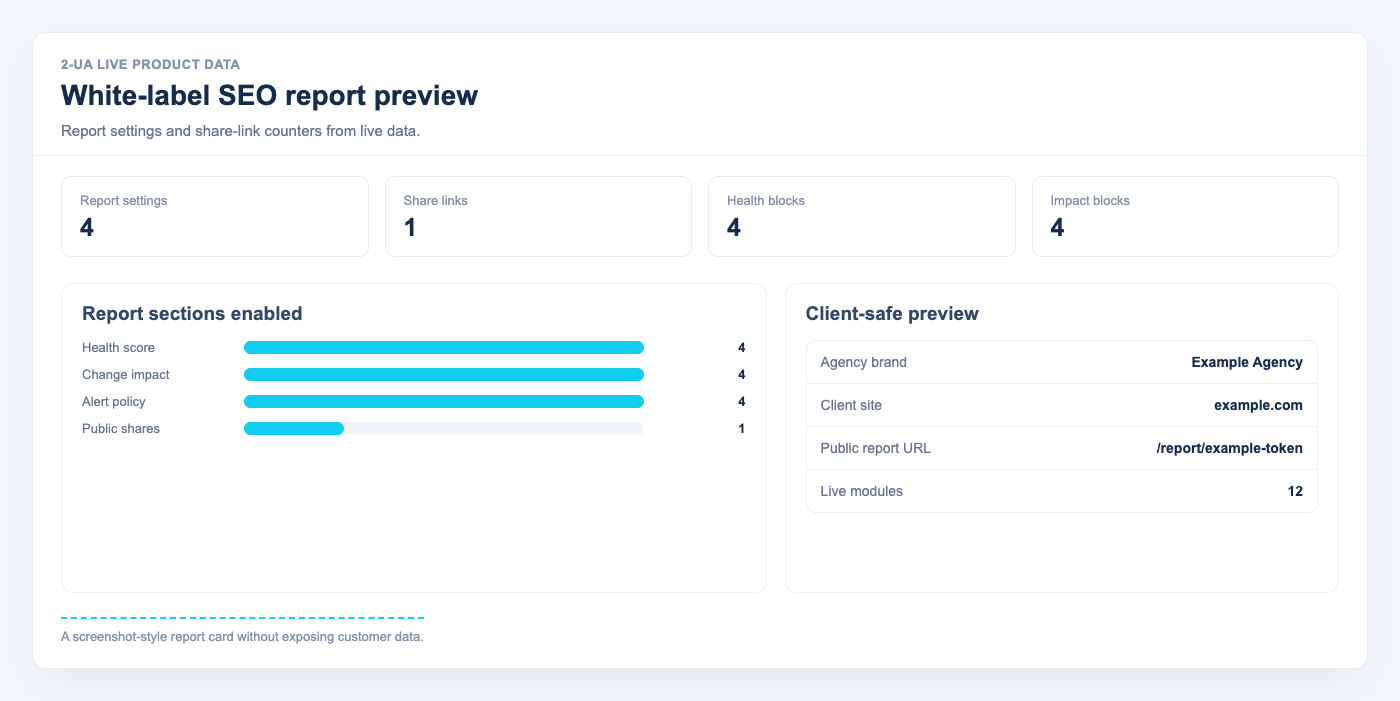
The white-label report lets you share monitoring results with clients or stakeholders using your own branding.
- Open your website overview and click "White-label report".
-
In "Branding settings", fill in your client-facing details:
- Agency name
- Report title
- Logo URL
- Accent color (picked via the built-in color picker)
- Contact email
-
Choose which sections to include:
- Health score section
- Change impact section
- Alert policy section
- Click "Save settings", then use "Preview report" to check the final layout and content.
- In "Public share links", click "Create new public link" to generate a client-ready URL.
Note: Public report links are accessible without login and currently expire automatically after 90 days. Share them only with trusted recipients.
Still need help?
Ask us about this workflow
Send the page or report you are working with and describe where you are stuck.