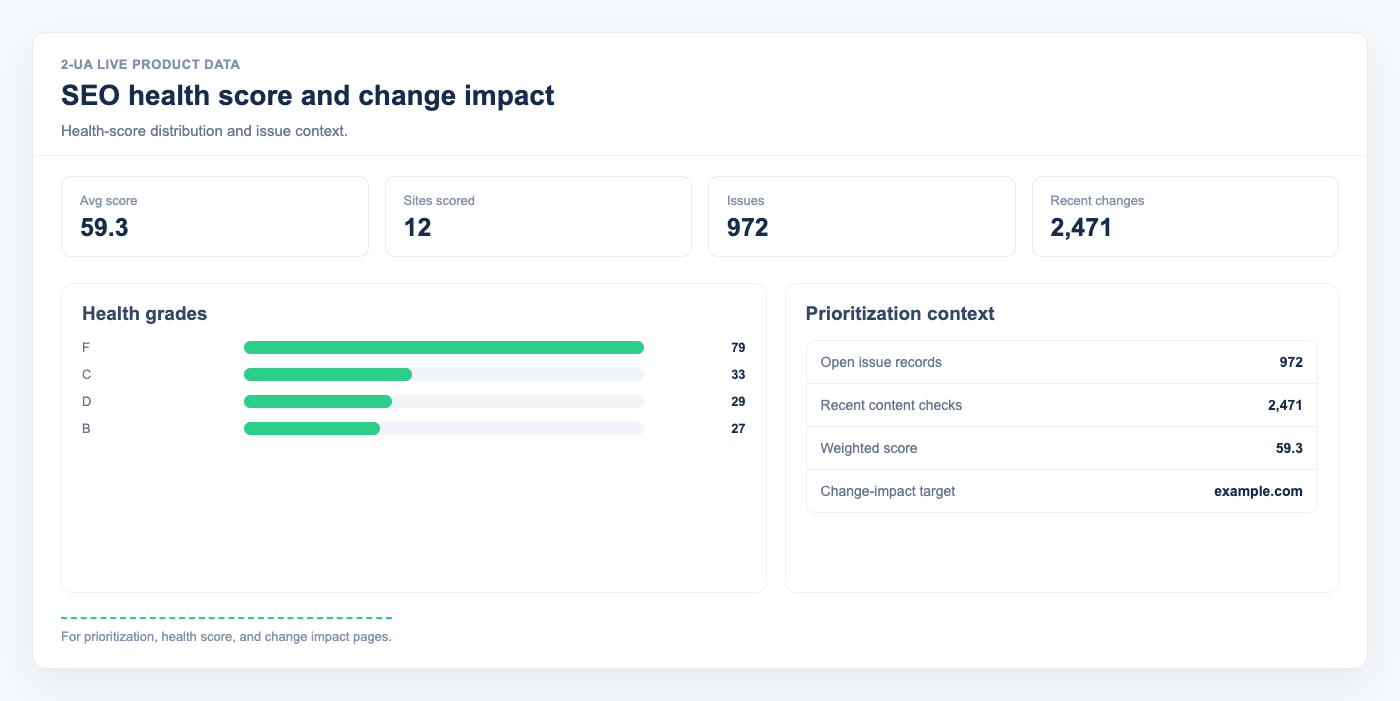
The SEO health score is a fast way to see whether your monitored pages are stable and healthy. It combines URL health, enabled monitoring checks, data freshness, and active issues into one score.
- Open your projects, open your website, and click "SEO health score".
- In "Current score", review the score (0-100) and letter grade (A-F).
-
Use the breakdown to understand what changed:
- Tracked URLs and Healthy URLs show your URL reliability ratio.
- Enabled checks shows how complete your monitoring setup is.
- Issue penalty reflects active problems that reduce the score.
- Click "Recalculate now" when you want an up-to-date snapshot immediately.
- Use "Score history" to track trend direction over time, not just one isolated value.
Note: The score is a prioritization signal, not a full SEO audit. Always review the related issue details before making major decisions.
Still need help?
Ask us about this workflow
Send the page or report you are working with and describe where you are stuck.