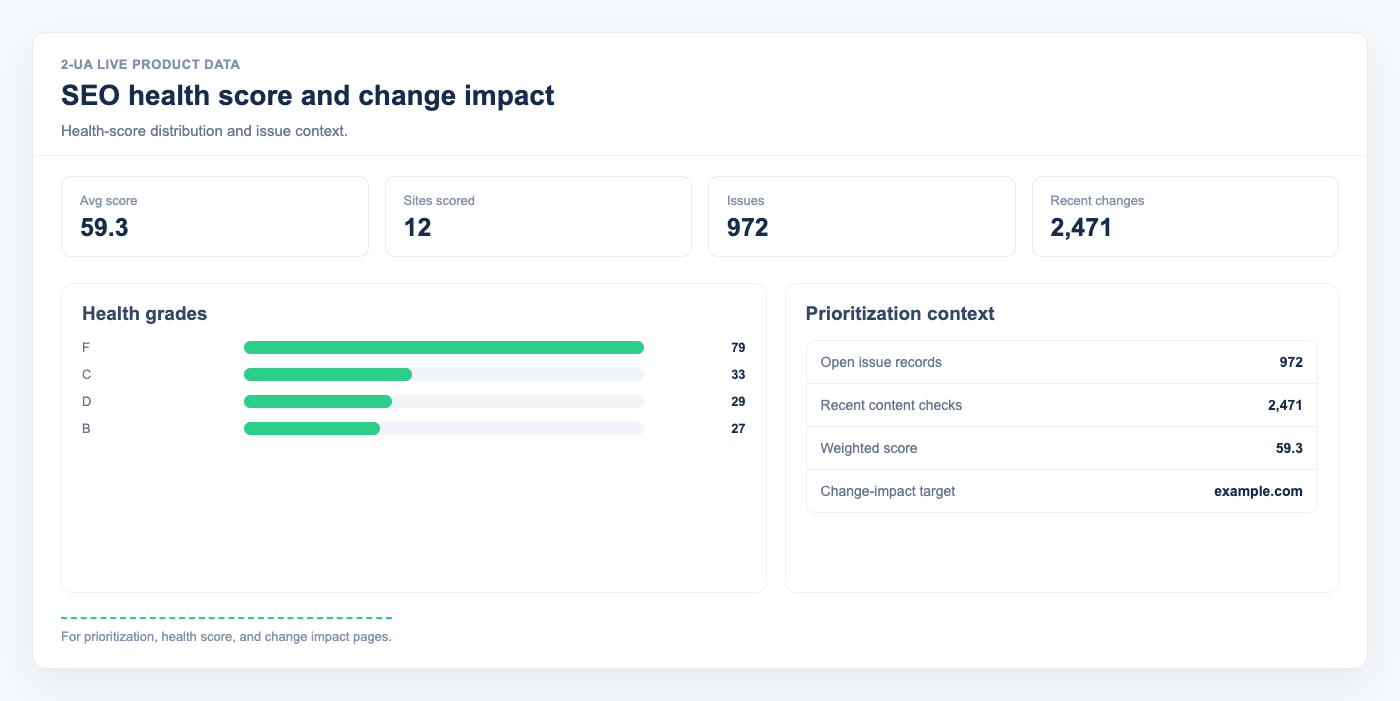
"Change impact" helps you prioritize updates by business and SEO risk, so you can focus on the most important changes first.
- Open your project overview and click "Change impact".
- Set the date range in the top-right corner to analyze the exact period you need.
-
Review the "Top impactful changes" table:
- URL shows the affected page.
- Impact shows the weighted score and level (high, medium, low).
- Changed fields shows what changed (for example, status, canonical, title, robots).
- Detected shows when the change was recorded.
- Start with high impact rows, especially if they involve status codes, canonical signals, or robots directives.
- Use this page as your triage queue after deployments, content updates, or template releases.
Note: Impact level shows technical importance based on weighted fields. Final business priority still depends on traffic, page type, and release context.
Still need help?
Ask us about this workflow
Send the page or report you are working with and describe where you are stuck.