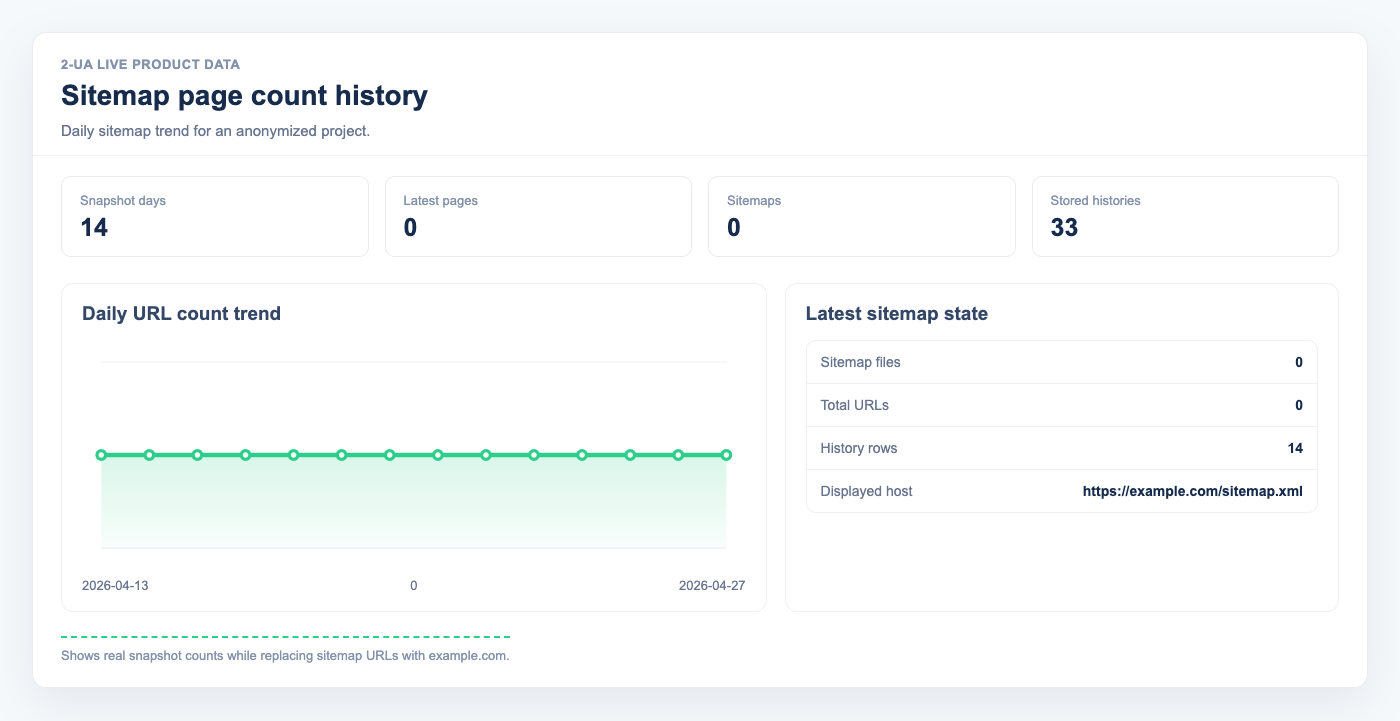
Sitemap page count history helps you spot indexing-impacting changes quickly, both site-wide and for each individual sitemap file.
- Open your website project and go to Sitemaps.
- Click Page count history.
-
Review the daily table:
- Total pages shows the full number of URLs across all sitemaps for that day.
- Sitemaps shows how many sitemap files were detected.
- By sitemap shows URL count per sitemap file.
- Change shows day-over-day growth or decline.
- Use sudden drops to catch sitemap generation bugs, blocked sections, or accidental removals before they affect visibility.
Note: Snapshots are collected daily, so this report is designed for trend analysis, not minute-by-minute monitoring.
Still need help?
Ask us about this workflow
Send the page or report you are working with and describe where you are stuck.