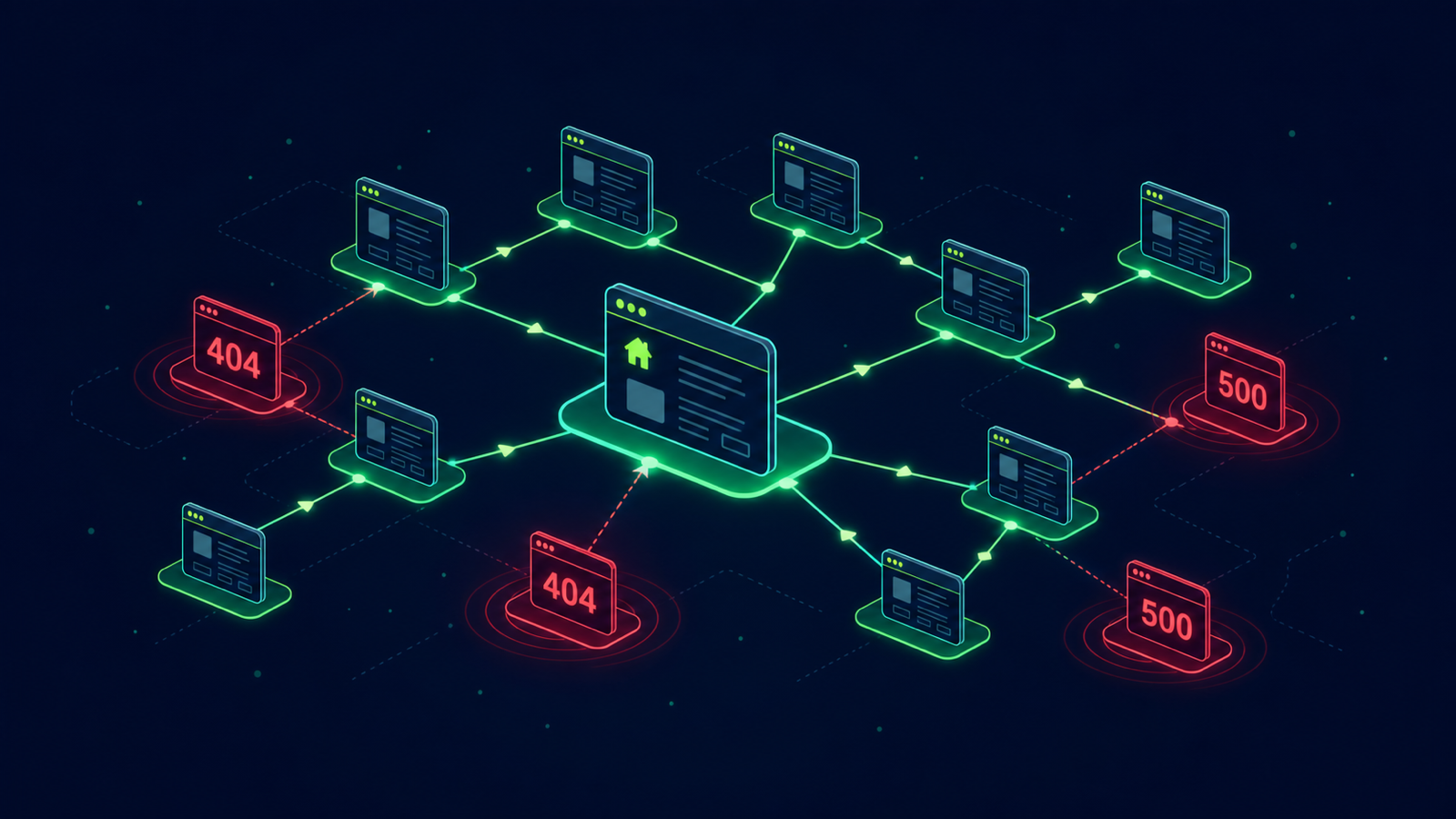
Google treats broken internal links as a wasted crawl-budget signal. Worse, every 404 a user hits is a churn vector. Most marketing teams discover broken pages only after a customer complains or rankings drop. A five-minute weekly crawl prevents both.
Step 1. Run an authenticated full-site crawl
Open Site → Crawling Iterations → New Iteration. Recommended configuration:
- User-Agent: Googlebot Desktop, or Mobile if mobile is your priority index.
- Concurrency: 5–10 threads, safe for most production servers.
- Respect robots.txt: on.
- Render JS: on only for SPA-heavy sites; otherwise skip, it consumes crawl credits.
- Start URL: your homepage, or upload a custom URL list.
Step 2. Apply the 4xx and 5xx filter
After the iteration finishes you receive a Telegram or Slack notification.
Open the Iteration Report and use the status code operator >= 400.
You will see three buckets that need different responses:
- 404 / 410 — missing pages: delete the link, or 301-redirect to the closest equivalent.
- 403 — auth misconfiguration or a WAF blocking Googlebot.
- 5xx — server errors: the worst category, treat as urgent.
Step 3. Export to XLSX and prioritize
Click Export → XLSX. The sheet contains source URL, broken URL, anchor text, status, and response time. Sort by frequency: a single broken page linked from 200 internal sources is a much bigger win than 200 one-off broken externals.
Step 4. Automate weekly detection
Set the iteration to repeat weekly and enable Issue Collector. Every new broken link becomes an open issue routed to your Slack channel. Your team stops rediscovering the same 404 audit after audit.
Common pitfalls
- Crawling staging by accident — always pin the start URL to your production host.
- 5xx caused by your crawler, not real users — drop concurrency before blaming the dev team.
- Ignoring redirect chains hidden in the same report — they hide additional broken endpoints.
From single crawl to continuous monitoring
A one-off crawl finds the issues that exist today. Broken-link debt accumulates from every CMS deploy, content migration, and external rewrite. Continuous weekly crawls plus tracked-URL alerts on commercial pages catch new breakages within hours of release.
Run the free online crawler to scan up to 500 URLs without signup, then create a project to schedule recurring broken-link reports on your full site.