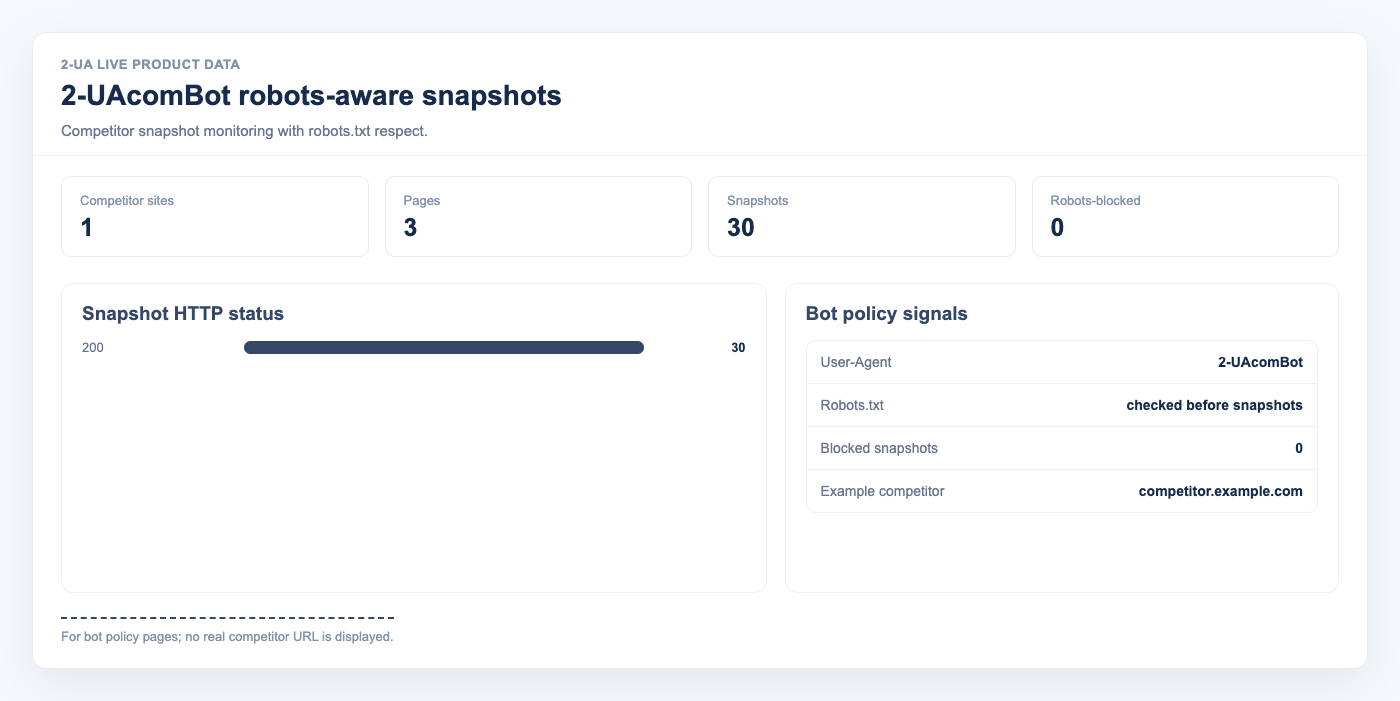
2-UA uses 2-UAcomBot for robots-aware HTTP snapshots in tracked URL monitoring and change
monitoring tools. This article documents exactly how our bot behaves so site owners, hosting providers, and
CDNs know who we are and how to control our traffic.
How to identify 2-UAcomBot
Every desktop HTTP snapshot request carries this User-Agent header:
Mozilla/5.0 (compatible; 2-UAcomBot/1.0; +https://2-ua.com/support/robots)
The product token (the part standard bots care about) is 2-UAcomBot. We also send an
X-AGENT: 2-UA header so log parsers can filter us with either signal. The self-link in the UA
string points to our crawler policy page so reviewers do not have to guess.
How we respect robots.txt
- Before every snapshot, we fetch
/robots.txton the target host using the same UA. - We cache the parsed rules per host for one hour, so repeat snapshots of the same host do not hammer your robots.txt file.
- We parse the file per RFC 9309. The specific user-agent section
User-agent: 2-UAcomBotwins over the wildcard sectionUser-agent: *when both exist. - If your rules disallow the target path for our bot, we skip the snapshot entirely. We do not fetch the page. The record in our database marks the page as blocked by robots.txt.
- If robots.txt returns a 5xx we treat it as a temporary disallow (also per RFC 9309) and re-check in about five minutes. A 404 or 410 is treated as "no rules published" and we proceed.
How to block 2-UAcomBot completely
Add this to your /robots.txt (case-insensitive on the token):
User-agent: 2-UAcomBot
Disallow: /
On your next snapshot attempt we will see the rule (within one hour of you publishing it) and stop.
How to allow us on one path but block everything else
User-agent: 2-UAcomBot
Disallow: /
Allow: /blog/
What a skipped snapshot looks like inside 2-UA
- In the dashboard, the page shows the banner "Latest check was skipped — robots.txt disallows 2-UAcomBot on this path."
- In the free tool, the response card is replaced by the same message and a link back to this article.
- The database row stores
blocked_by_robots = 1and no SEO fields, so change-diff reports simply do not mention that URL while the block is in effect.
Crawl rate you can expect
- At most one snapshot per tracked page per configured interval — the minimum interval exposed in the UI is six hours.
- At most one robots.txt fetch per host per hour (cached across all pages on that host).
- No JavaScript execution. We issue plain HTTP requests; you will not see a headless browser in your logs.
If you still see requests you did not expect
Email support@2-ua.com with a short excerpt of the log line and the target URL. We respond fast because matching your expectations is the whole point of identifying ourselves. The short Q&A version lives on the FAQ.